Flip Spot








ABOUT FLIP SPOT
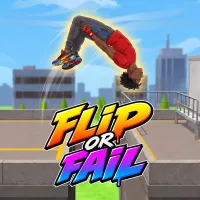
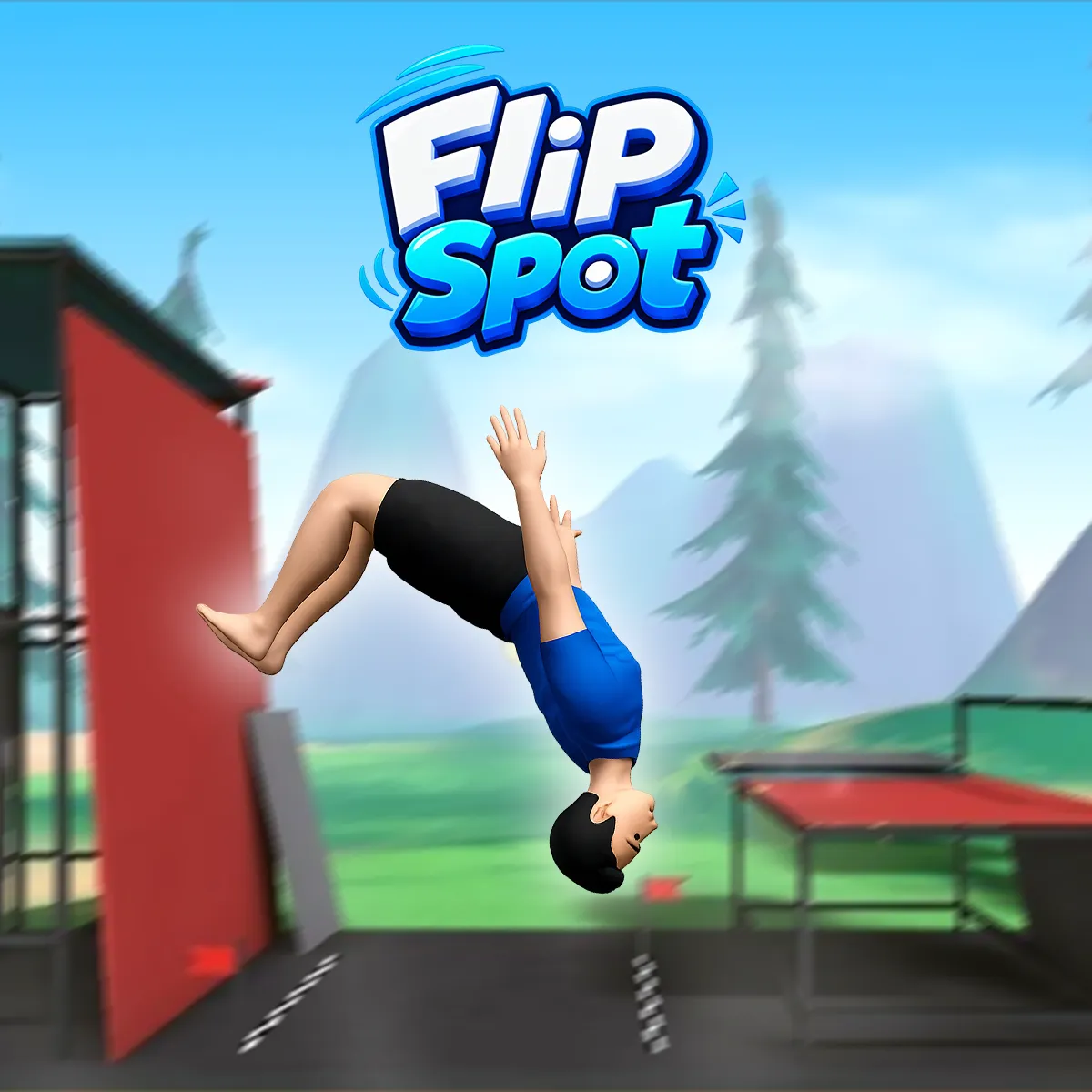
Flip Spot is a physics-based stunt game that challenges you to perform flips from towers, ramps, and other elevated structures. Getting into the air is easy; rotating into the correct position before touching the ground is the real test.
Every attempt balances ambition against control. Extra rotations and advanced tricks can increase your score, but a poor landing may erase the reward from an otherwise impressive jump. To succeed, you must finish upright with your feet beneath you.
LAUNCH, ROTATE, AND STICK THE LANDING
Begin by holding the jump button to prepare your takeoff. Once the character leaves the platform, continue holding the same button to rotate through the air. Release it at the right moment to stop the flip and line up the landing.
Watch the character’s body rather than relying only on height. Releasing too early leaves the rotation incomplete, while holding too long can turn a safe landing into a crash. As your timing improves, you can attempt double flips, triple flips, twists, and combined tricks.
Flip Spot offers two ways to play:
- Arcade mode focuses on completing jumps and building a high score.
- Free mode provides a useful place to experiment with timing and rotations.
The level selector displays three different environments, each featuring its own arrangement of platforms and jumping spots. A day-and-night option also changes the atmosphere of the selected location.
Improve Your Stunt Skills
Successful performances reward coins that can be reinvested in your athlete. Upgrading Jump Power creates more airtime, while improving Flip Speed helps you complete rotations faster. These upgrades make ambitious combinations possible, although they also require more precise control.
Coins can also unlock additional tricks. Backflips, front flips, twists, and different aerial poses can be combined into more than 70 stunt variations. The safest approach is to learn one new move at a time before adding it to longer sequences.
Customize Your Athlete
The customization menu lets you adjust the athlete’s appearance with different skin tones, hairstyles, hair colors, and clothing. Some outfits cost coins, giving successful jumps another purpose beyond improving your score.
A statistics screen records details such as total score, completed jumps, double and triple flips, coins received, and falls. Leaderboard support adds another goal for players who want to compare their best performances.
Controls
- Press Space, W, or the Up Arrow to jump while standing on a platform.
- Hold the same key while airborne to continue flipping.
- Release the key to stop rotating and prepare for landing.
- Press R to replay the current attempt.
- Press Esc to pause the game.
- On touch devices, press and hold the on-screen arrow button to jump and rotate.
TIPS FOR CLEANER LANDINGS
- Start with single flips until you understand the rotation speed.
- Release the flip button shortly before the character’s feet face the ground.
- Use higher jumps to attempt longer combinations.
- Avoid adding another rotation when there is not enough airtime.
- Practice newly unlocked tricks in Free mode before using them in score-focused runs.