Steal En Dino Egg! (Online)






WHAT IS STEAL EN DINO EGG! (ONLINE)?
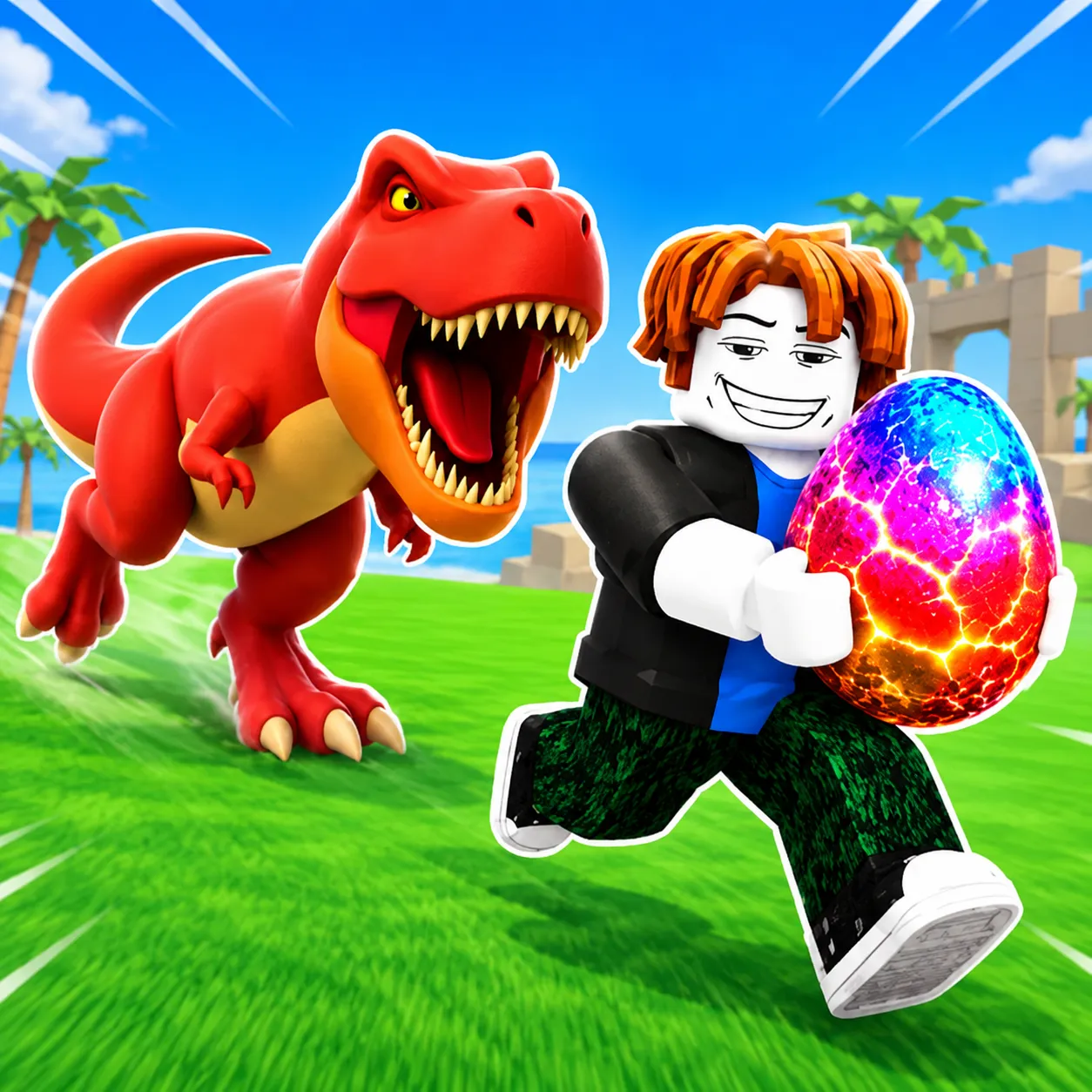
Steal En Dino Egg! (Online) is a 3D arcade game where you collect dinosaur eggs, raise dinosaurs, and build your own dinosaur park. Its Roblox-style obby setting combines character movement with a longer-term collection goal. You can play alongside friends, compete with other players, and work toward unlocking more dinosaurs. The challenge is to keep expanding your collection as you progress.
FROM EGGS TO YOUR OWN DINO PARK
Collect Dinosaur Eggs
Egg collection is the starting point of your adventure. Move around the environment, look for opportunities to collect eggs, and use the interaction prompts to understand what you can do. Movement and camera control work together: adjusting your view helps you see where you are going and position your character near an interactive object.
When learning the game, take a moment to identify the available actions before moving on. Knowing how to approach and interact with objects makes the basic collection loop easier to follow.
Grow and Unlock Dinosaurs
Collecting eggs supports the next part of the game: growing dinosaurs and developing your park. As you progress, more dinosaurs become available, giving you new additions to pursue.
This creates a clear sequence of goals. Begin with egg collection, use your progress to grow and unlock dinosaurs, then continue building a broader collection. Your park gives those individual unlocks a shared purpose.
COLLECTION GOALS AND ONLINE PLAY
Build a Rare Collection
Completing the dinosaur collection provides a longer-term objective beyond your first few eggs. The game encourages you to unlock every dinosaur, including rare additions.
A useful way to approach this goal is to keep track of what you have already unlocked and what remains missing. Choosing your next collection target gives each session a more specific direction.
Play With Friends
The online format lets you play with friends and compete with other players. This adds a social element to the collection experience, alongside your personal goal of developing a dinosaur park.
CONTROLS
Desktop Controls
- WASD or arrow keys: Move your character.
- Right mouse button + mouse movement: Rotate the camera.
- E: Interact with objects.
- Spacebar: Jump.
Mobile Controls
- Left joystick: Move your character.
- Swipe on the right side: Adjust the camera.
- Button above an object: Interact.
- Jump button on the right: Jump.
TIPS FOR YOUR FIRST SESSION
- Practice movement and camera control together. Try turning the camera while moving so you can adjust your view comfortably.
- Check interaction prompts. Use the displayed action to guide your next step when approaching an object.
- Set one collection goal at a time. Focus on your next missing dinosaur rather than trying to complete everything immediately.
- Adjust the controls if needed. A comfortable setup makes repeated movement, jumping, and interaction easier.
- Review your progress before continuing. Knowing what you have unlocked helps you choose a useful target for your next session.
MORE DINOSAUR GAMES