OFF ROAD OVERDRIVE: BALANCE, CLIMB, AND UPGRADE
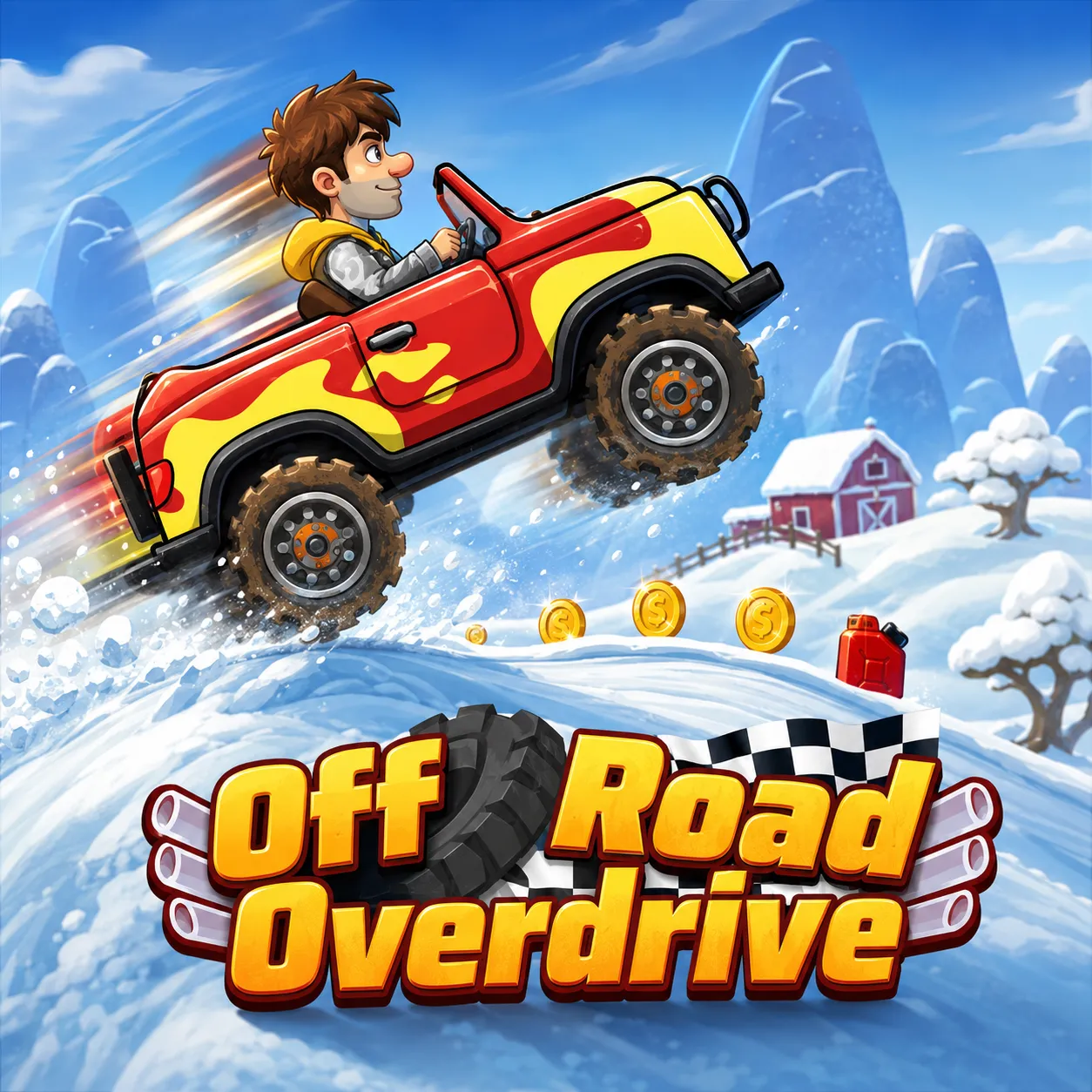
Off Road Overdrive is a 2D driving game developed by CarGames.Com. It sends a collection of cartoon vehicles across steep hills, sharp drops, and uneven tracks. Simple controls make the game easy to approach, but reaching the end of each route requires precise acceleration, braking, and balance.
THE TERRAIN SETS THE PACE
Your objective is to guide a vehicle through challenging side-scrolling courses without crashing. Coins appear along the way and can be collected to purchase upgrades or unlock additional vehicles.
The game features several environments, including snowy roads, sandy beaches, grassy countryside, desert tracks, and nighttime city routes. Each setting changes the appearance and shape of the course, encouraging you to adjust your timing as the slopes become steeper or more irregular.
Momentum Matters More Than Speed
Holding the accelerator may help on a straight road, but it can quickly become dangerous near a hilltop. Too much speed can launch the vehicle into an awkward rotation, while excessive braking may leave it unable to climb the next slope.
Successful driving depends on reading the ground ahead. Accelerate when climbing, ease off before sudden drops, and make small adjustments while airborne to prepare for a stable landing. The two-button system is straightforward, yet the physics make every hill a test of control.
Build a Better Off-Road Machine
Coins give each completed run a clear sense of progress. You can spend them on vehicle improvements or save them to expand your garage.
Available vehicles include:
- Buggy
- Supercar
- School bus
- Fire truck
Their different sizes and handling styles offer new ways to approach familiar tracks. A lighter vehicle may respond quickly, while a larger one can require more careful control on steep terrain.
Each vehicle can also receive four types of upgrades:
- Engine
- Turbo
- Tires
- Suspension
Upgrade the vehicle you use most often before investing heavily in the rest of the garage. A focused approach makes improvements easier to notice during later attempts.
Controls
Desktop
Mobile
- Tap the on-screen buttons to brake or accelerate.